
Phone safety for your everyday life
Four simple phone safety steps to help protect your messages, apps, accounts, and private information.
Your smartphone is more than just a phone. It is your bank, mailbox, photo album, password tool, and communication center in one device.
That is why phone security matters. If someone gets access to your phone, they may also get access to your email, banking apps, social media, and other important accounts.
The good news: you do not need to be technical. A few simple habits can make your phone much safer.
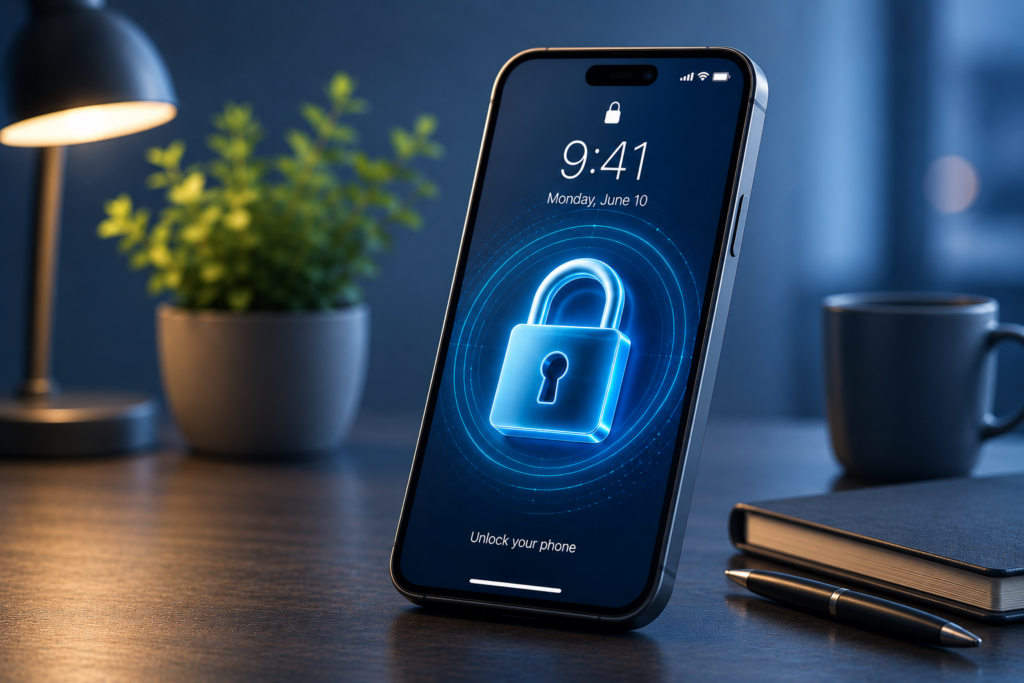
Use a strong screen lock
Your screen lock is the foundation of phone security.
Use a strong PIN, passcode, fingerprint, or Face ID. A longer PIN or passcode is usually safer than a short 4-digit code or a simple pattern.
Biometric security such as fingerprint or Face ID is useful, but it should always be backed up by a strong passcode. If your phone is lost, stolen, or picked up by someone else, your screen lock is the first thing protecting your personal data.
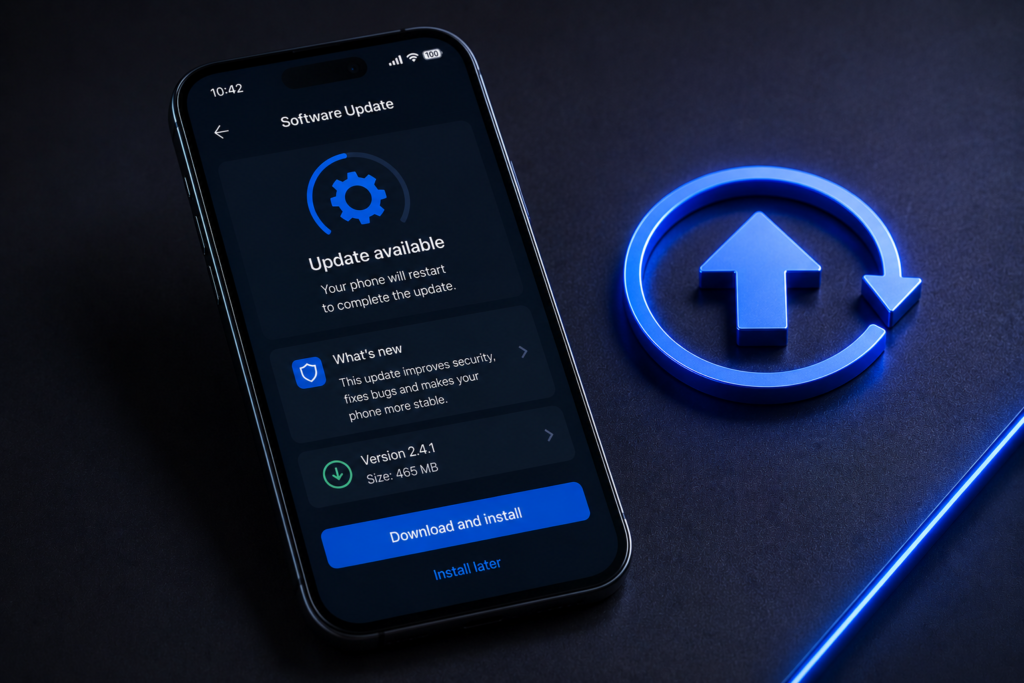
Keep your phone updated
Phone updates are not only about new features. They also fix security problems that criminals may try to use.
Turn on automatic updates for your phone and your apps. When your device tells you an update is ready, do not ignore it for weeks.
An updated phone is usually much harder to attack. This applies to both Android and iPhone. Keeping your operating system and apps updated is one of the simplest ways to improve your smartphone security.
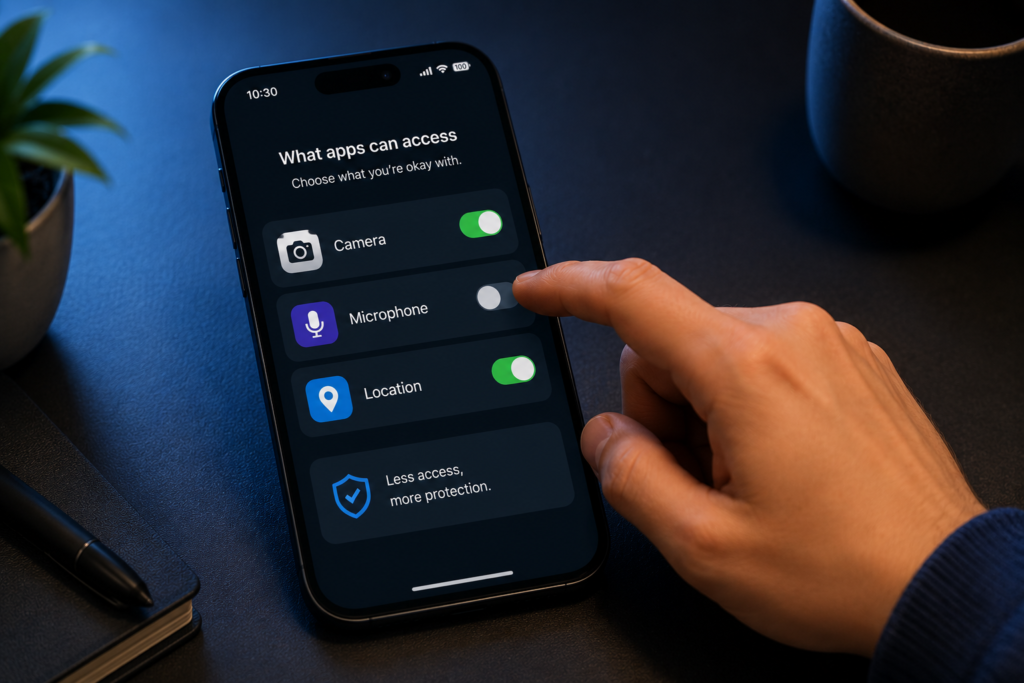
Check your apps and permissions
Only install apps from official stores such as the Apple App Store or Google Play Store.
Also check what permissions your apps have. A weather app may need your location, but a flashlight app does not need access to your contacts, microphone, camera, or messages.
Delete apps you no longer use. Fewer apps means fewer risks. Good app management helps protect your privacy and keeps your phone cleaner, safer, and easier to control.
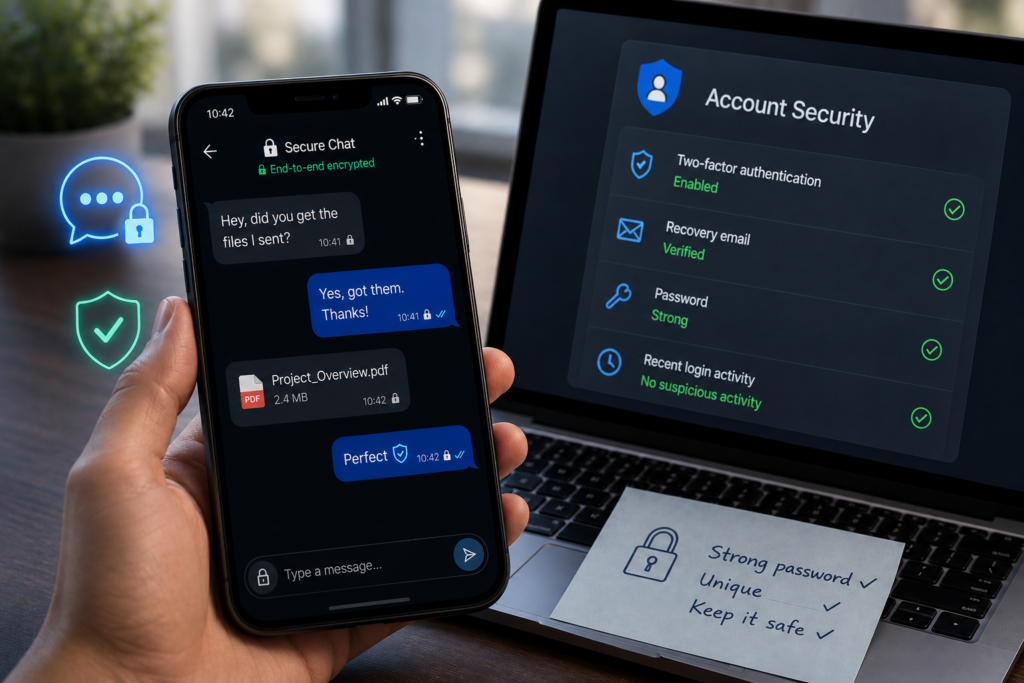
Protect your messages and accounts
Your phone often gives access to your most important accounts, including email, banking, WhatsApp, social media, and password managers.
Use strong logins, turn on two-factor authentication where possible, and watch for strange login alerts or unusual messages.
Be careful with links in SMS, WhatsApp, email, or social media messages. Scammers often try to make you click quickly by creating fear, urgency, or fake problems. If a message feels suspicious, slow down and check it through the real app or website.
Extra phone safety tips
Make regular backups of important photos, contacts, and files. Also make sure you can find, lock, or erase your phone remotely using Find My iPhone or Find My Device. This is important if your phone is lost or stolen.
Be careful on public Wi-Fi. Avoid banking, shopping, or logging into important accounts on public networks. Use mobile data when possible. If you often use public Wi-Fi, a trusted VPN can add an extra layer of protection.
Privaro
Simple digital safety for everyday life.
Beginner-friendly guides and product picks for safer online habits.
Legal
Privacy Policy
Terms
Affiliate Disclosure
© 2026 Privaro. Some links may be affiliate links.