Your password safety measures
Learn how to create safer passwords, stop reusing the same login, and use simple tools to protect your accounts
Passwords protect your email, banking, shopping, photos, and personal information.
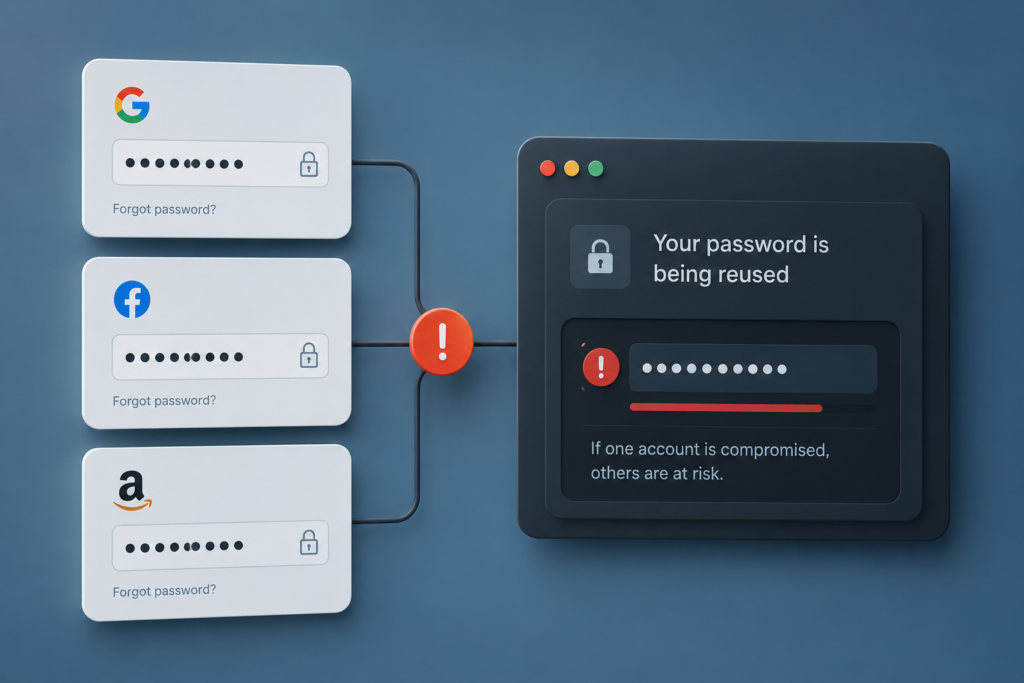
The problem is simple: many people use passwords that are too easy, too old, or reused on too many websites. If one account gets hacked, other accounts can be at risk too.
The good news: you do not need to be technical. A few simple habits can already make your passwords much safer.
Three golden rules for every password
Good password safety starts with a few simple rules.
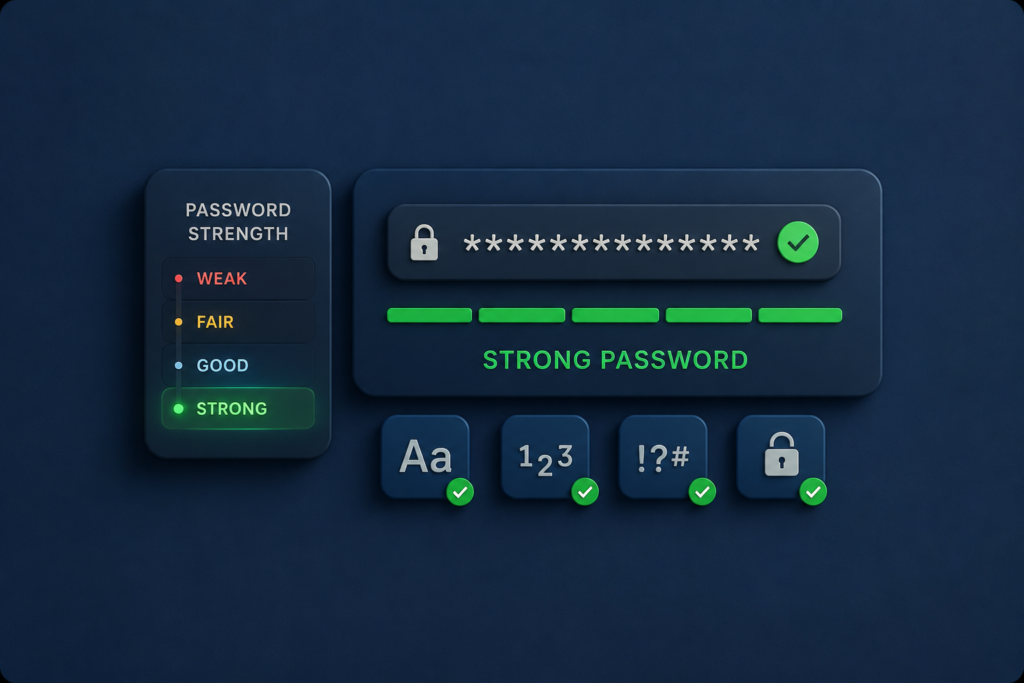
Use at least 12 characters, preferably more. Never use the same password for two important accounts. And do not use personal information, such as your name, your dog’s name, your birthday or your year of birth.
A longer, unique password is much harder to guess or reuse if one website gets hacked.
What is two-factor authentication?
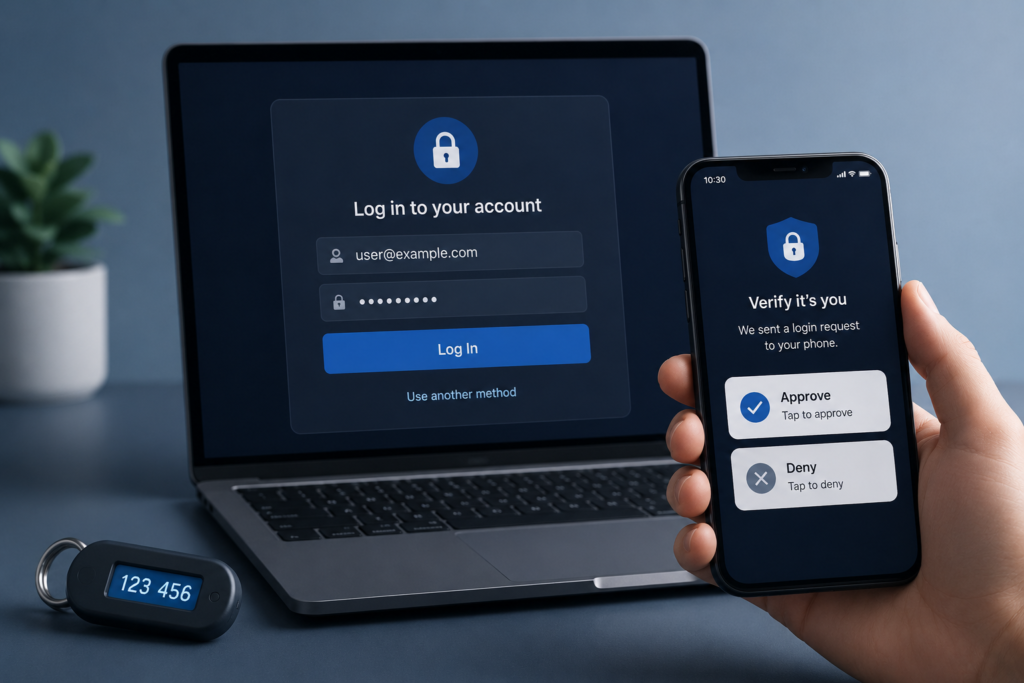
Two-factor authentication, often called 2FA, is like adding a second lock to your door.
Even if someone gets your password, they still need an extra code or confirmation before they can log in. This can be a code from an app, a message on your phone, a security key or sometimes an SMS code.
Use it especially for email, banking, shopping, social media and password manager accounts.
Use a password manager
No one can remember 50 strong and different passwords. That is exactly why password managers exist.
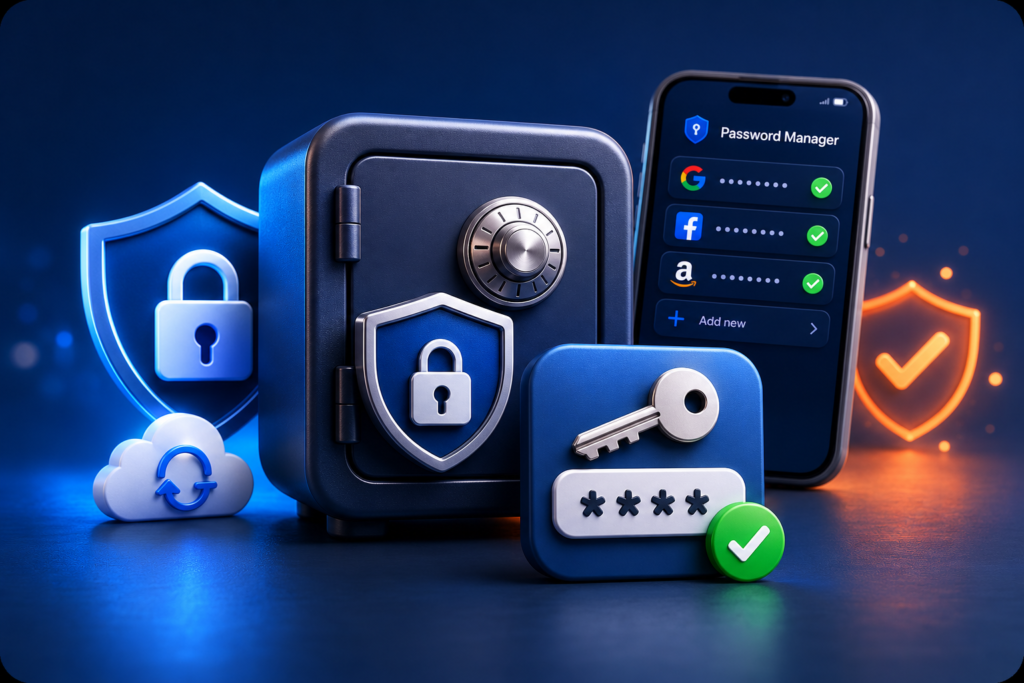
A password manager is a secure digital vault for your logins. It can create strong passwords, remember them for you and fill them in when you need them. You only need to remember one strong master password.
For most people, this is one of the easiest ways to make online accounts safer.
What if your password has been leaked?
If you get a warning that your password was leaked, act quickly but do not panic.
Change that password immediately. If you used the same password somewhere else, change it there too. Start with your email, banking, shopping and social media accounts.
You can check whether your email address appears in known data breaches, but never type your current password into a random website. When in doubt, change the password and turn on two-factor authentication.
Privaro
Simple digital safety for everyday life.
Beginner-friendly guides and product picks for safer online habits.
Legal
Privacy Policy
Terms
Affiliate Disclosure
© 2026 Privaro. Some links may be affiliate links.