
Your Computer safety for everyday use
Simple habits to keep your laptop or PC safer, cleaner, and less exposed to online trouble.
Your PC or laptop holds a lot of your daily life: accounts, photos, documents, email, banking access and browser history.
Computer safety is not about becoming technical. It is about a few simple habits that make your device harder to misuse, easier to recover and safer to use every day.
This laptop security guide helps you improve laptop safety and make your computer safer with updates, safer downloads, device locking and regular backups.
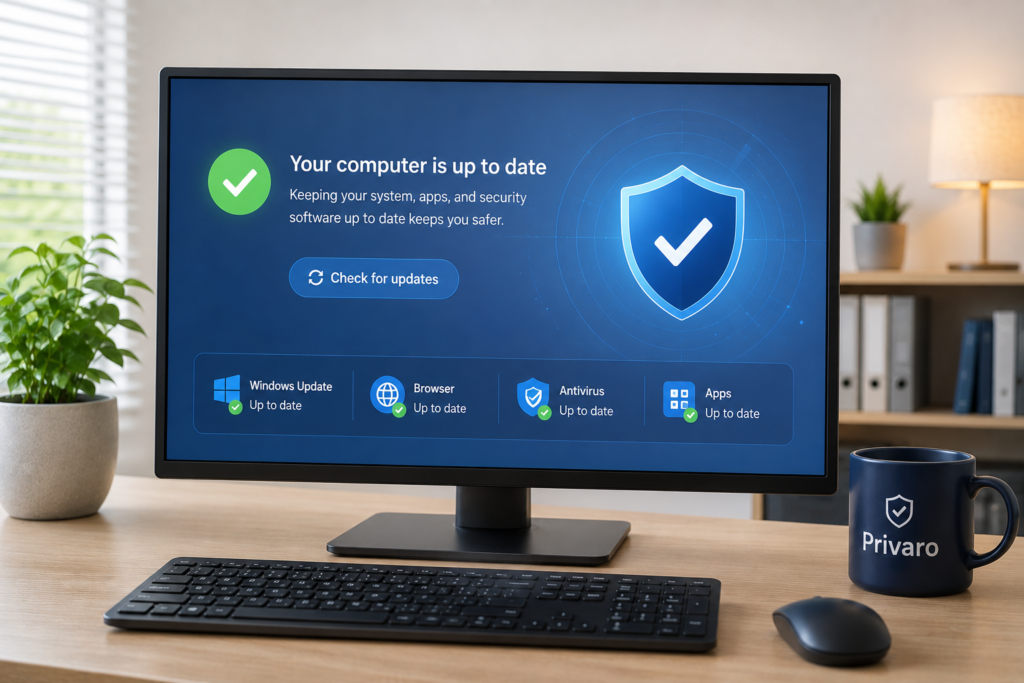
Keep your computer updated
Updates fix security holes and help keep your laptop or PC safer. Do not ignore update messages for weeks, even when they arrive at an inconvenient moment. Keep your system, browser, antivirus, and important apps updated, so old weaknesses are closed before they become a problem.
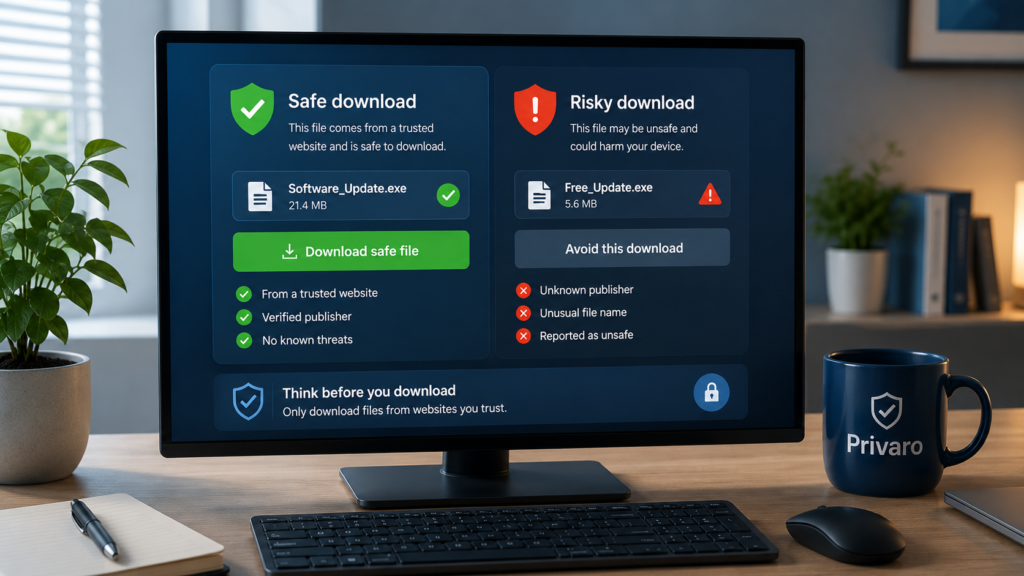
Be careful with downloads
Unsafe downloads are one of the easiest ways to bring trouble onto a computer. Download apps only from trusted websites, official app stores, or well-known software makers. Avoid fake download buttons, cracked software, and strange “free” tools that promise too much.
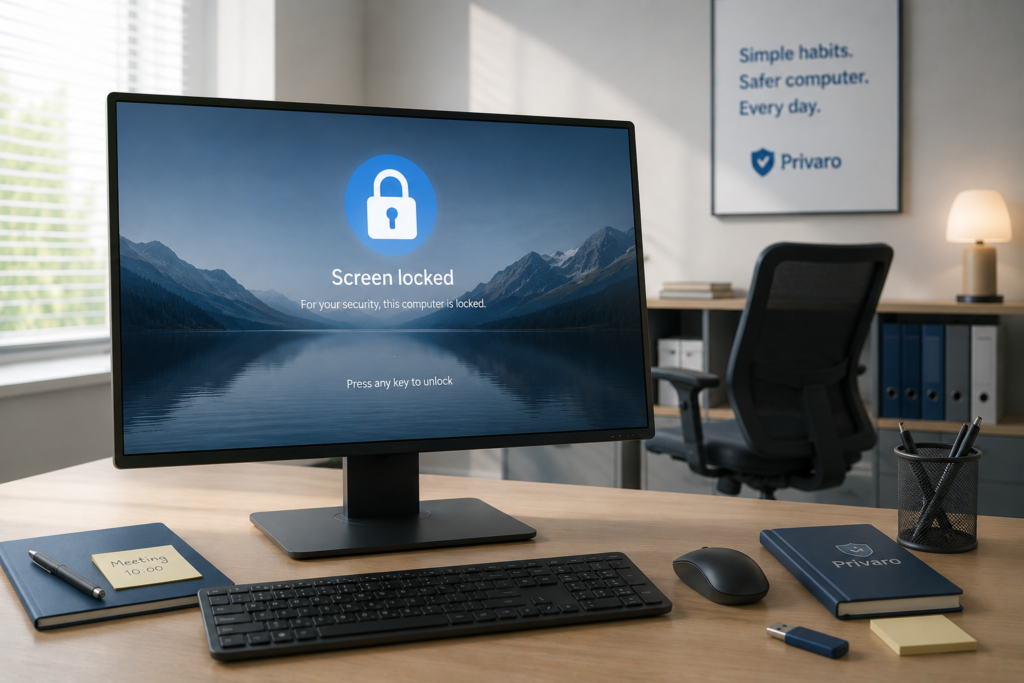
Lock your computer when you step away
A computer does not need to be stolen to be misused. Someone only needs a few minutes to open your email, browser, files, or saved accounts. Lock the screen when you leave it alone, especially in cafés, hotels, shared spaces, or anywhere other people can get near it.
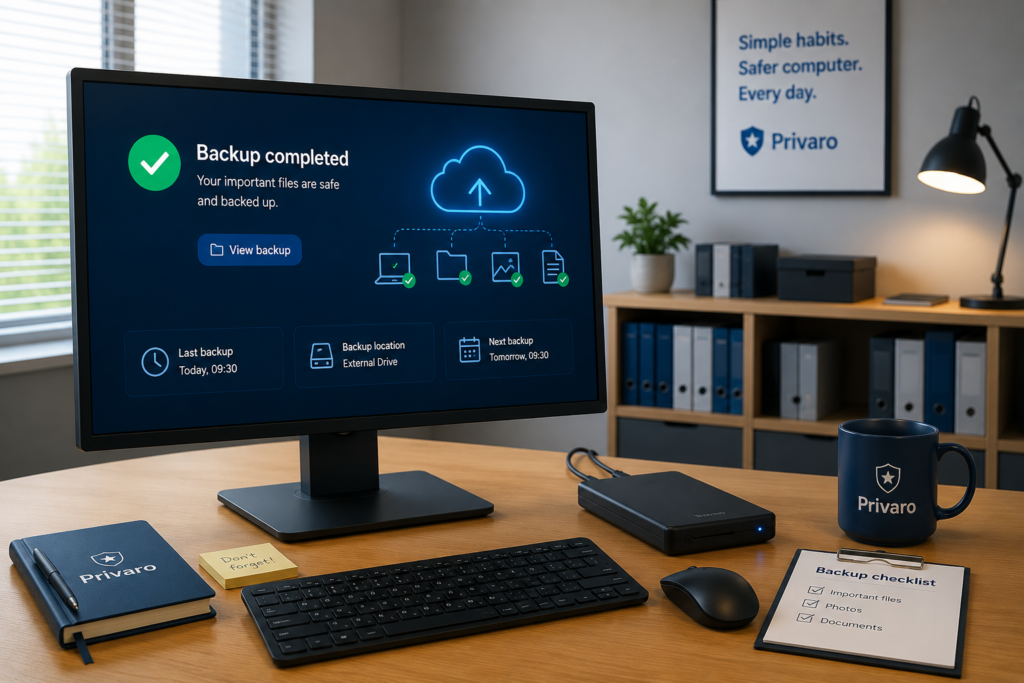
Back up important files
A backup protects you when something goes wrong. Computers can break, get lost, become infected, or simply fail at the worst possible moment. Save important files in more than one place, such as an external drive or secure cloud storage, so one problem does not wipe everything out.
Privaro
Simple digital safety for everyday life.
Beginner-friendly guides and product picks for safer online habits.
Legal
Privacy Policy
Terms
Affiliate Disclosure
© 2026 Privaro. Some links may be affiliate links.