Scam protection for your everyday life
Simple habits to help you spot fake messages, unsafe links, and online tricks before they cause trouble.
Scams often look normal at first. They can come through email, text messages, WhatsApp, social media, fake shops, or phone calls.
Most scams try to make you act fast. They may say your account is blocked, your package has a problem, or someone needs urgent help.
You do not need to be technical to protect yourself. Slow down, check who is contacting you, and never share private codes.
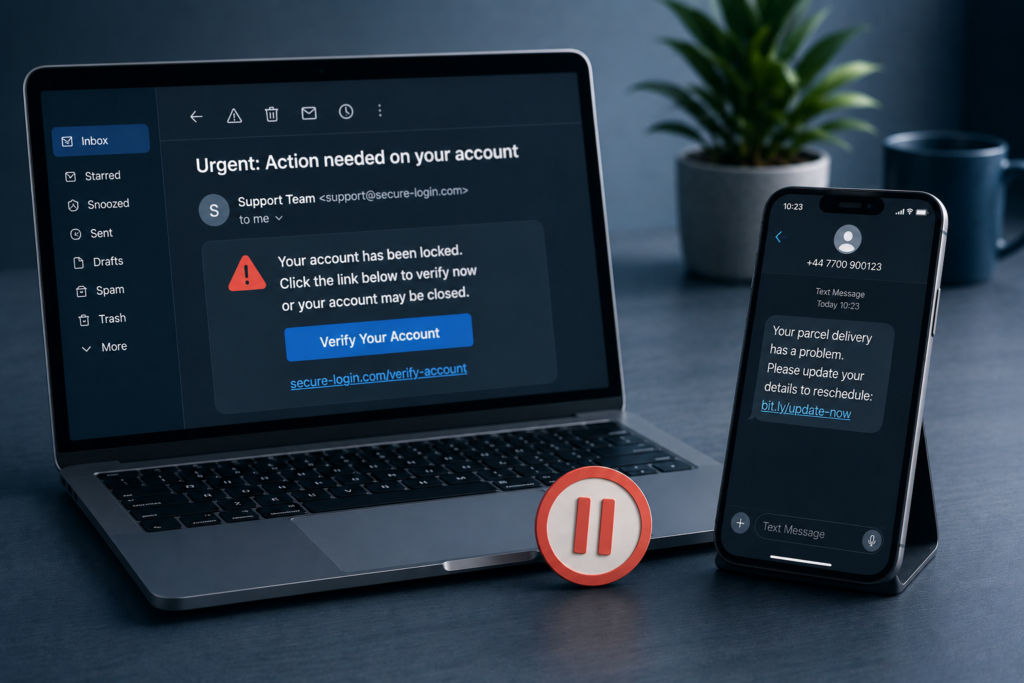
Slow down before you click
Scam messages often try to rush you. They may say your account is blocked, your package is delayed, or you must act now.
Do not click immediately. Take a moment and look carefully at the message, the link, and who sent it.
If something feels urgent, strange, or too good to be true, stop first. A few extra seconds can save you from a lot of trouble.
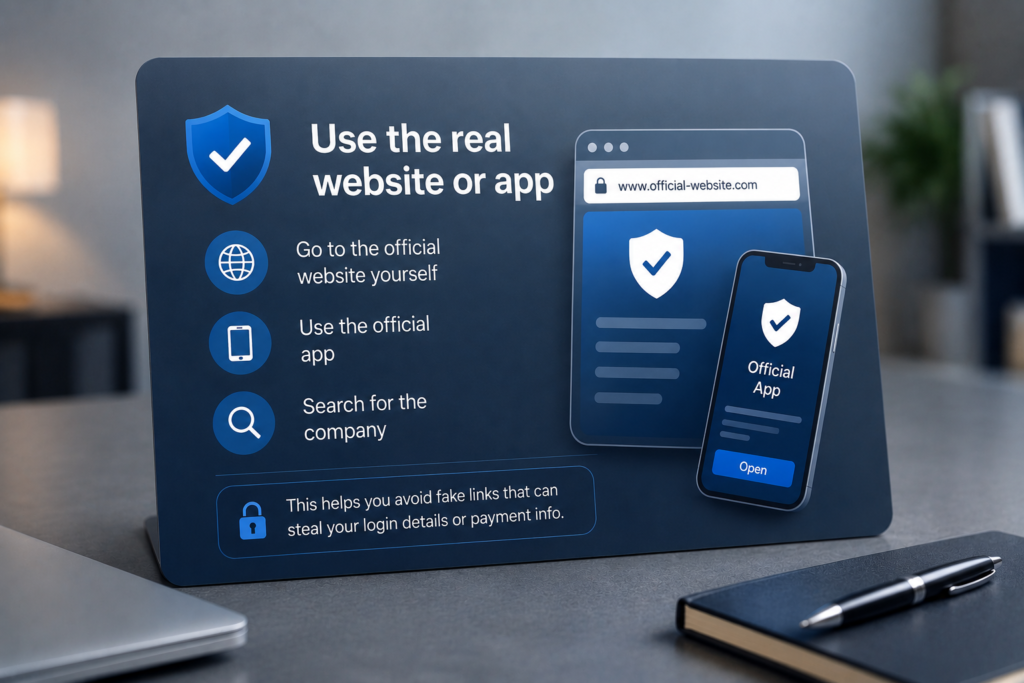
Use the real website or app
If a message asks you to click a link, do not use that link right away.
Open the real website yourself, use the official app, or search for the company in your browser.
This helps you avoid fake links that are made to steal your login details or payment information.
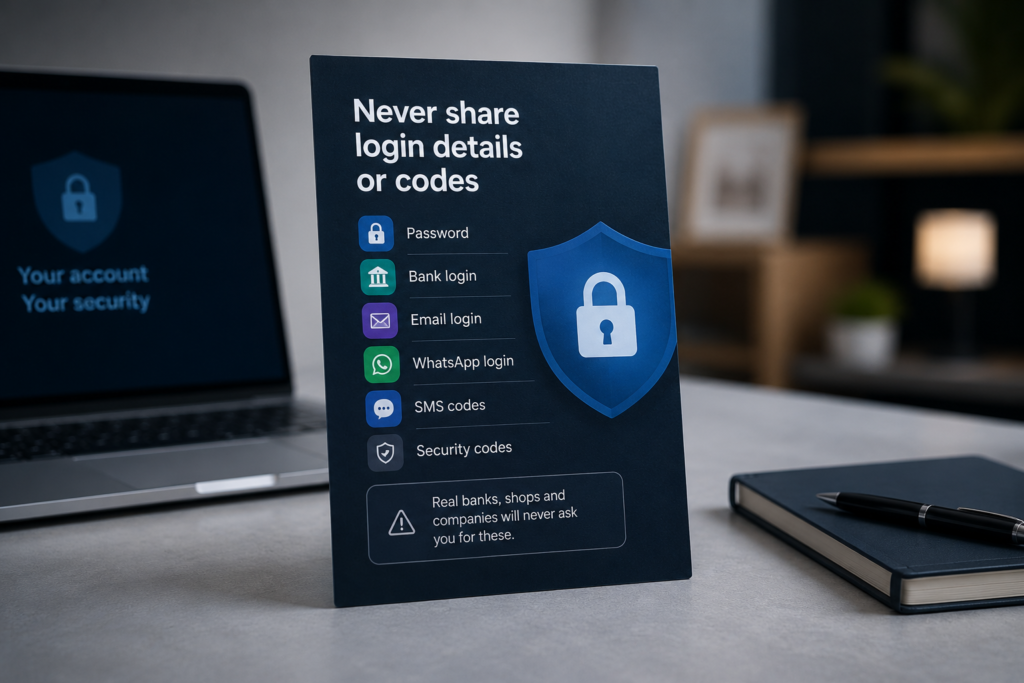
Never share login details or codes
Your login details are meant for you only. This includes your password, bank login, email login, WhatsApp login, SMS codes, and security codes.
Scammers may ask for them to “help you”, “confirm your account”, or “fix a problem”. That is a trick.
Never send your login details or read out a code to anyone. A real bank, shop, app, or company will not ask for them.
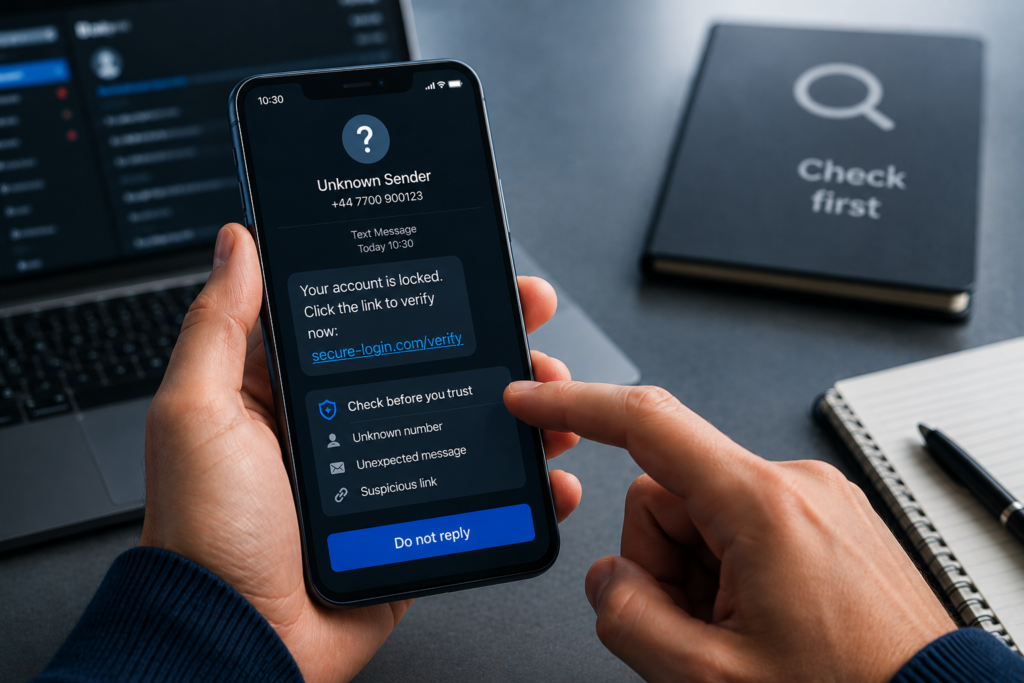
Check who is contacting you
Scammers often pretend to be someone you trust. They may use the name of your bank, a delivery company, an online shop, or even someone you know.
Do not trust a message only because it looks official. Check who sent it, look at the link, and take your time before you respond.
If you are not sure, do not reply. Go to the real website or app yourself.
Privaro
Simple digital safety for everyday life.
Beginner-friendly guides and product picks for safer online habits.
Legal
Privacy Policy
Terms
Affiliate Disclosure
© 2026 Privaro. Some links may be affiliate links.